
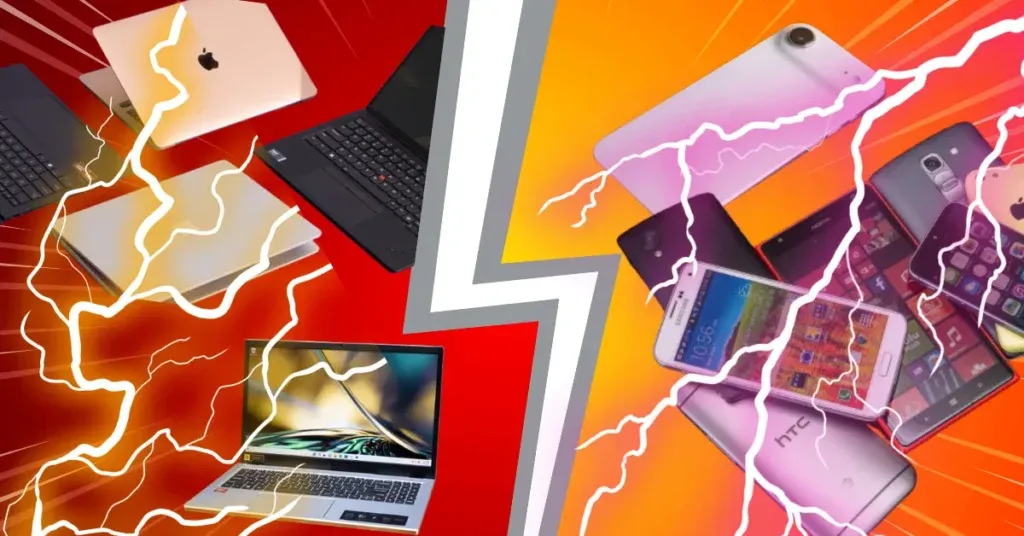
In the modern digital ecosystem,Phone vs Laptop the line between what a smartphone and a laptop can do is blurring. Both have processors, screens, and internet access. However, the true distinction isn’t just about “power”—it is about DEPTH.
- Smartphones are designed for Low Depth, High Frequency tasks (quick, shallow, frequent interactions).
- Laptops are designed for High Depth, Low Frequency tasks (long, complex, sustained focus).
Below is a breakdown of their capabilities, limitations, and unique strengths.
The Phone vs Laptop Depth Spectrum: A Simple Overview
| Feature | Smartphone (Low Depth) | Laptop (High Depth) |
|---|---|---|
| Primary Interaction | Touch (Imprecise, Fast) | Keyboard + Mouse (Precise, Sustained) |
| Task Duration | Seconds to Minutes | Hours to Days |
| OS Philosophy | Walled Garden (App-centric) | Open System (File-centric) |
| Multitasking | Serial (One app at a time) | Parallel (Multi-window view) |
| Best For | Consumption & Communication | Creation & Management |
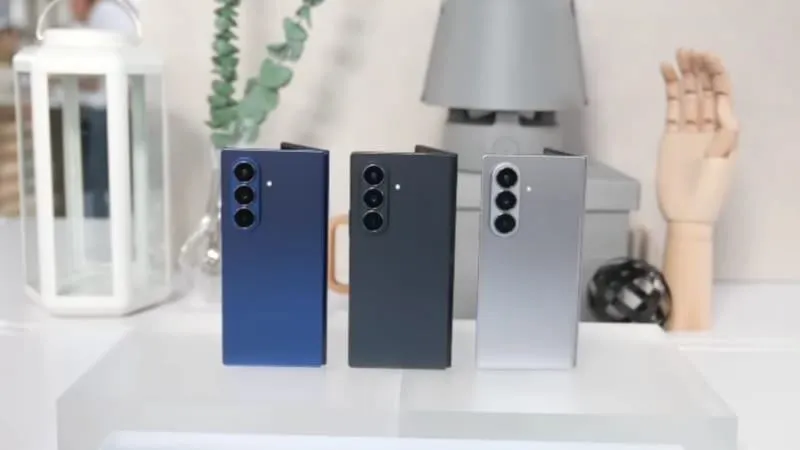
What a Phone Can Do (That a Laptop Can’t)
Focus: Agility & Integration
- True Mobility & “Use Anywhere”
- The Pocket Factor: You cannot put a laptop in your pocket. A phone is always with you—in line at the store, on a run, or in bed.
- One-Handed Operation: You can use a phone while holding a coffee or hanging onto a subway strap. A laptop demands a surface (or a lap) and two hands.
- Native Sensor Integration
- GPS & Navigation: While laptops have maps, they cannot actively guide you turn-by-turn while you drive or walk.
- Health Tracking: Pedometers, heart rate monitors, and sleep tracking require physical contact and portability that laptops lack.
- Camera Agility: Scanning a QR code, depositing a check, or taking a quick selfie is instant. Doing this with a laptop webcam is clumsy and awkward.
- App Ecosystem Exclusives
- Vertical Content: Apps like TikTok, Instagram, and Snapchat are native to vertical screens. Using them on a laptop often feels like a broken, emulated experience.
- Biometric Banking: Many banking apps prioritize mobile FaceID/Fingerprint logins over desktop passwords for quick transfers.
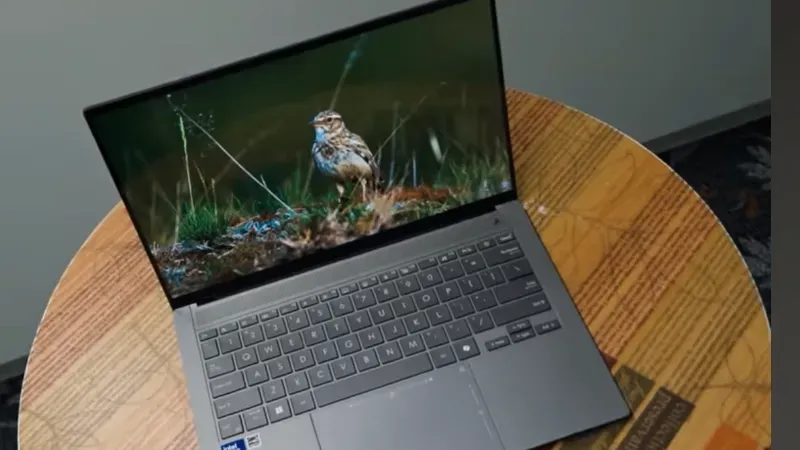
What a Laptop Can Do (That a Phone Can’t)
Focus: Complexity & Horsepower
- Heavy Content Creation
- Professional Coding: You cannot run a full IDE (Integrated Development Environment) like VS Code or IntelliJ comfortably on a phone. Compiling code requires sustained thermal headroom.
- 3D Rendering & 4K Editing: While phones can edit video, they struggle with heat management and granular control (e.g., color grading frame-by-frame) that a laptop’s fan cooling and mouse pointer allow.
- True Multi-Window Multitasking
- The “Study Setup”: On a laptop, you can have a research PDF open on the left, a Word document on the right, and Spotify in the background—all visible at once.
- Drag & Drop: Moving files between folders, zipping/unzipping large archives, and managing complex file directories is a 2-second task on a laptop but a frustrating 5-minute ordeal on a phone.
- PC Gaming & Peripherals
- AAA Gaming: Phones play mobile games; laptops play Cyberpunk 2077 or League of Legends. The sheer graphical depth requires a dedicated GPU.
- I/O Expansion: You can plug in a printer, two monitors, an external hard drive, and a microphone simultaneously. A phone usually handles one dongle at most.
Phone vs Laptop :The “Grey Area” (Where they Overlap)
Tasks that both can do, but the Depth differs.
- Phone: Great for reading emails and sending short replies (“Ok, see you there.”).
- Laptop: Essential for writing long emails with attachments, complex formatting, and inline tables.
Writing
- Phone: Good for notes, lists, and texts.
- Laptop: Mandatory for essays, novels, reports, and code.
Media
- Phone: Good for short clips (YouTube Shorts) and personal viewing.
- Laptop: Better for full-length movies (immersive screen) and shared viewing.
Verdict: Which Tool for Which Intent?
The choice isn’t about which device is “better,” but which Depth of work you need to perform.Using a phone vs laptop depends on your needs — phones are best for quick, on-the-go tasks, while laptops are better for heavy work, multitasking, and productivity.
- Choose the Phone when:
- The task is urgent (replying now).
- The context is physical (navigation, photos, exercise).
- The content is consumable (scrolling, watching, reading).
- Choose the Laptop when:
- The task is complex (coding, spreadsheets, editing).The context is stationary (desk, library, office).The content is creative (writing, designing, building).
- Phone vs Laptop: Phones are easier to carry and great for quick tasks, while laptops handle complex work and multitasking better.
- Phone vs Laptop: Smartphones are ideal for social media and instant communication, whereas laptops are stronger for professional software and long working hours.
The Ultimate Combo: Use your phone to capture ideas (Low Depth) and your laptop to execute them (High Depth).