
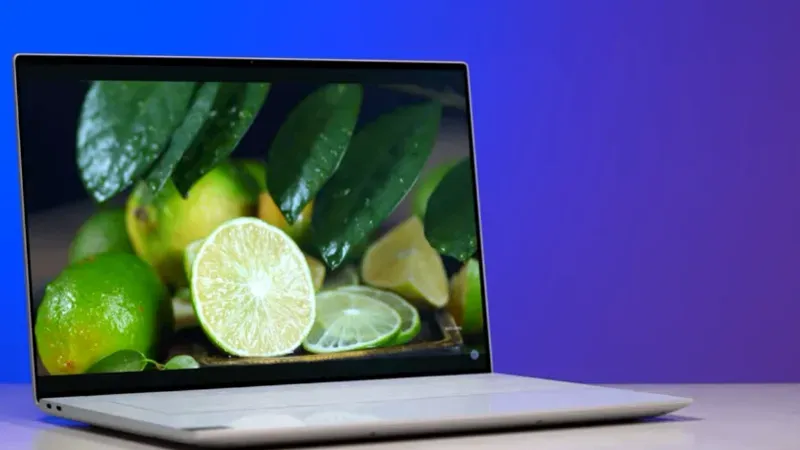
Top Student Laptops for 2026: Technical Specifications and Use Cases
As of early 2026, the laptop market for students is defined by NPU-integrated chips (Neural Processing Units) that power local AI tasks like live transcription, advanced photo editing, and background noise cancellation without heavy battery drain.
Quick Comparison: 2026 Top Picks
Best Laptops
| Model | Primary Purpose | Base CPU | Base RAM | Battery (Est.) |
|---|---|---|---|---|
| MacBook Air (M4) | All-Day General Academics | Apple M4 (10-core) | 16GB | 18 Hours |
| Dell XPS 13 (9350) | Ultra-Premium Windows | Intel Core Ultra 7 | 16GB | 14 Hours |
| HP OmniBook Ultra Flip | STEM & Design (2-in-1) | Intel Core Ultra 7 | 16GB | 15 Hours |
| ASUS Zenbook S 14 | Heavy Commuting/Style | Intel Core Ultra 7 | 32GB | 17 Hours |
| Lenovo IdeaPad Slim 5 | High Value/Budget | Intel Core 7 250H | 16GB | 11 Hours |
Apple MacBook Air (M4)
Purpose: The most balanced device for general students, offering silent operation and the highest software resale value.
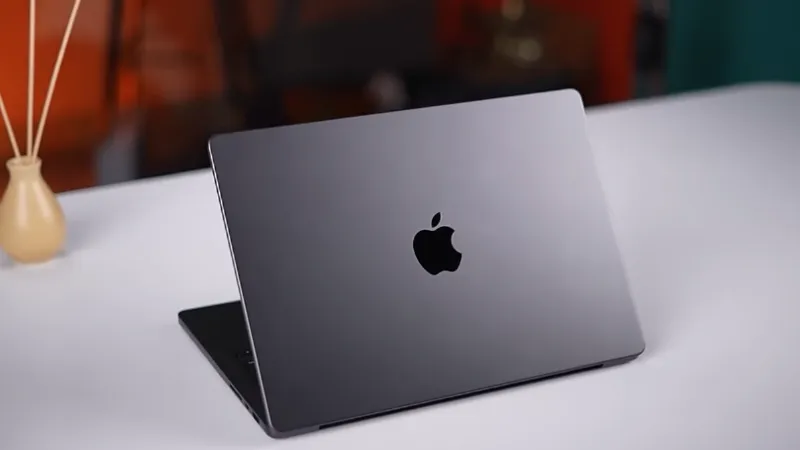
- Key Specs: 13.6″ Liquid Retina (500 nits), 10-core CPU, 16-core Neural Engine.
- Pros: Fanless (silent), 120GB/s memory bandwidth for fast multitasking, 12MP Center Stage camera for high-quality remote classes.
- Cons: Limited to 2 Thunderbolt 4 ports; expensive storage upgrades ($200+ per tier).
Dell XPS 13 (2026 Edition)
Purpose: Best for students who prefer the Windows ecosystem in the most compact frame possible.
- Key Specs: 13.4″ 3K OLED Touch Display, Intel Core Ultra 7 258V, Intel Arc Graphics.
- Pros: CNC-machined aluminum chassis is highly durable; OLED screen provides 1,000,000:1 contrast for media students.
- Cons: No headphone jack (requires USB-C adapter); haptic touchpad lacks physical feedback which some users dislike.
HP OmniBook Ultra Flip 14
Purpose: Specifically for STEM or creative majors who need to draw diagrams, solve handwritten equations, or take digital notes.
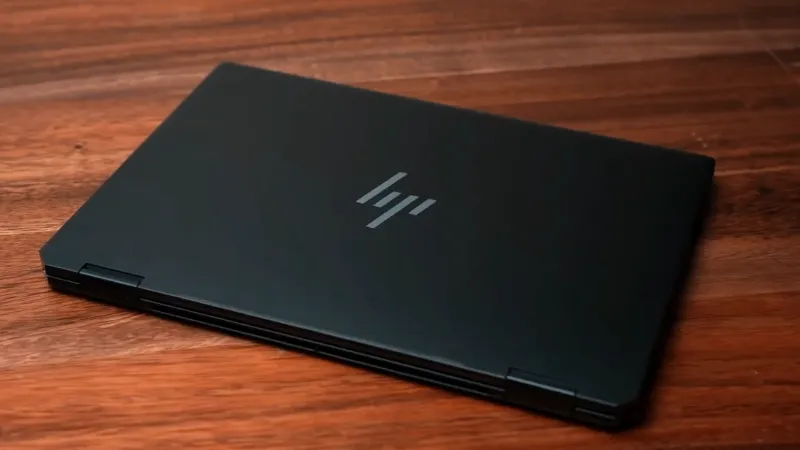
- Key Specs: 14″ 3K OLED (2880 x 1800), Intel Core Ultra 7, 48 TOPS NPU.
- Pros: 360-degree hinge for tablet use; AI-enhanced 9MP camera with Windows Studio Effects for professional-grade video calls.
- Cons: Heavier than traditional clamshell laptops (approx 1.4kg); higher price point due to the touch/pen digitizer
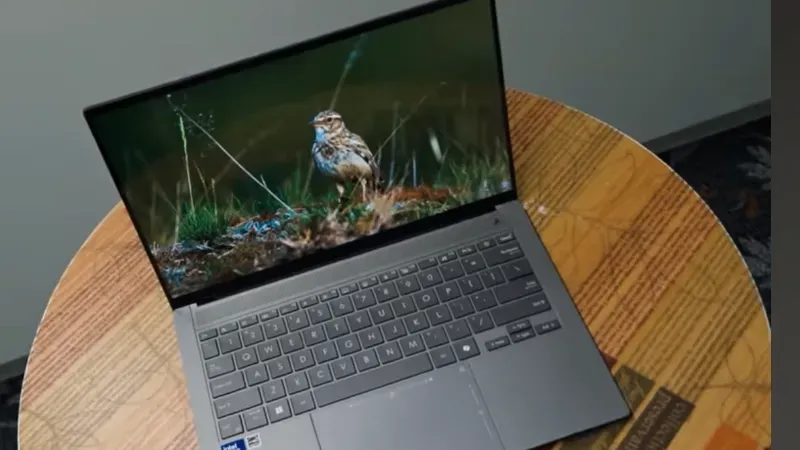
ASUS Zenbook S 14 (UX5406)
Purpose: Designed for students who spend their day commuting between campus locations and need a scratch-resistant, ultralight build.
- Key Specs: 14″ 3K OLED 120Hz, 32GB LPDDR5X (Base), Wi-Fi 7 Support.
- Pros: Uses “Ceraluminum” (ceramic-aluminum) which is thinner (1.1cm) and more durable than standard alloys; Wi-Fi 7 ready for high-density campus networks.
- Cons: RAM is soldered and cannot be upgraded later; thin profile limits thermal cooling for sustained 3D rendering
Lenovo IdeaPad Slim 5
Purpose: A high-performance “workhorse” for students who need power for large datasets or coding but have a strict budget.
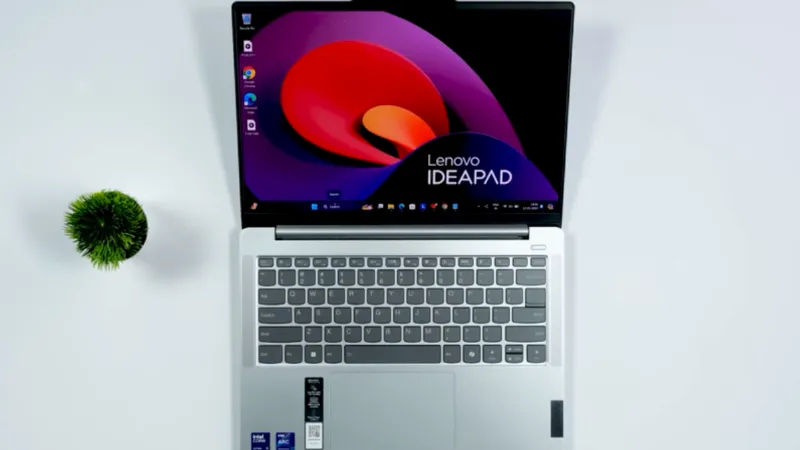
- Key Specs: 14″ or 15″ WUXGA Display, Intel Core 7 250H or AMD Ryzen 7 7735HS, MIL-STD-810H durability.
- Pros: Best port selection (includes HDMI, SD Card reader, and USB-A); military-grade drop protection for rough handling in backpacks.
- Cons: Display color accuracy (45% NTSC) is lower than the OLED competitors; plastic elements in the build are less premium.
Buying Advice for 2026
- RAM: Do not buy 8GB in 2026. Modern AI-integrated applications and browser tabs now require 16GB as the functional minimum.
- NPU (Neural Processing Unit): Ensure your laptop has an NPU (like Apple M4 or Intel Core Ultra Series 2). This allows features like live captioning and noise removal to run without heating up the laptop.
- Ports: If you often present in class, the Lenovo or ASUS options are better as they include HDMI or USB-A ports, saving you from carrying a $50 “dongle” bag.
One Final Thought…
A laptop is more than a list of specs; it’s where you’ll write the essays that change your perspective and build the projects that start your career. The iPhone 17 Pro max pairs seamlessly with the MacBook Air M4, creating a fast, intelligent Apple ecosystem where work and creativity flow without limits.
But here is the real question: With AI software now doing the “heavy lifting” for data analysis and editing, do you really need a high-end processor, or is a high-quality screen and battery more important for your specific major?
Disclaimer: This article is for informational purposes only. Specifications, features, and availability may change over time. We do not guarantee the accuracy or completeness of the information. Readers are advised to verify details from official sources before making any purchase decisions.
.