
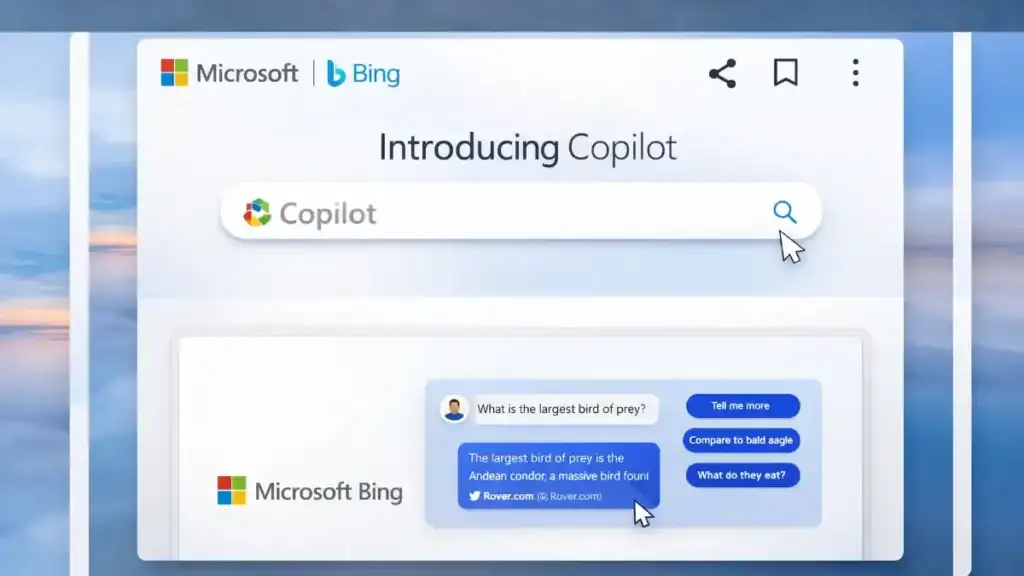
In the educational landscape of 2026, artificial intelligence has evolved into an indispensable learning companion. While there are many free tools available, Microsoft Copilot (formerly known as Bing Chat) has emerged as the premier option for homework assistance, academic research, and writing support.
Although the name has changed from Bing Chat, the core mission remains consistent: to help students learn smarter and faster using the power of Microsoft Copilot.
What Is Microsoft Copilot?
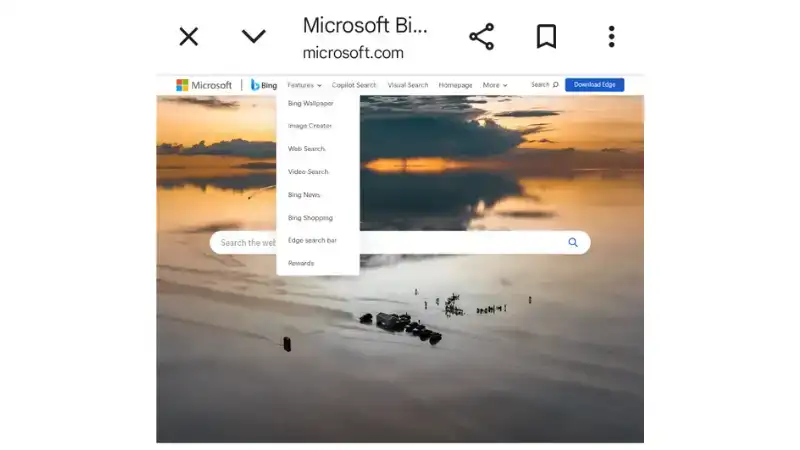
Microsoft Copilot is an advanced AI-powered assistant seamlessly integrated into the Bing search engine, the Microsoft Edge browser, Windows operating systems, and its own dedicated website.
Unlike traditional search engines that simply provide a list of links, Copilot combines sophisticated AI technology with real-time internet access to provide clear explanations, summaries, and direct answers to complex queries.
Why Microsoft Copilot Is Great for Homework
Here is why this tool has become a favorite for students in 2026:
1. Easy-to-Understand Explanations
Complex subjects can be daunting, but Microsoft Copilot simplifies them instantly. Students can ask prompts such as:
- ”Explain gravity in simple words.”
- ”Summarize the French Revolution.”
- ”Help me understand algebra step by step.”
The AI responds with structured, simplified explanations that break down barriers to learning.
2. Real-Time Updated Information
Because Copilot is connected to the live internet, it provides the most up-to-date information available. This is crucial for:
- Current events and news.
- The latest scientific discoveries.
- Recent statistics for research papers.
3. Writing and Grammar Support
Acting as a smart writing assistant, Microsoft Copilot helps students improve their academic writing by:
- Checking and correcting grammar.
- Organizing essay structures.
- Rewriting sentences for better clarity.
- Generating comprehensive outlines for projects.
4. Brainstorming and Project Ideas
When students face writer’s block, Copilot can spark creativity by generating:
- Unique essay topics.
- Strong arguments for debates.
- Innovative science project ideas.
- Detailed presentation outlines.
5. Creative Image Generation
Beyond text, the tool allows students to create AI-generated images from simple descriptions, making it perfect for designing posters, slide decks, and visual projects.
How Students Should Use It Responsibly
While Microsoft Copilot is powerful, it is intended to support learning, not replace it. Students should adhere to the following guidelines:
- Use it for clarity: Use the tool to understand difficult concepts.
- Avoid plagiarism: Ask for explanations rather than copying answers verbatim.
- Verify facts: Always double-check important data provided by the AI.
- Learn from examples: Use the output as a study guide to improve your own work.
Conclusion
In 2026, Microsoft Copilot stands out as one of the best free AI resources for student success. With its unique ability to provide clear explanations, conduct real-time research, assist with writing, and generate creative visuals, it acts as a personal study assistant available 24/7.
When used wisely, Copilot helps students save time, reduce academic stress, and significantly improve their performance—making the journey of learning smarter, not just easier.